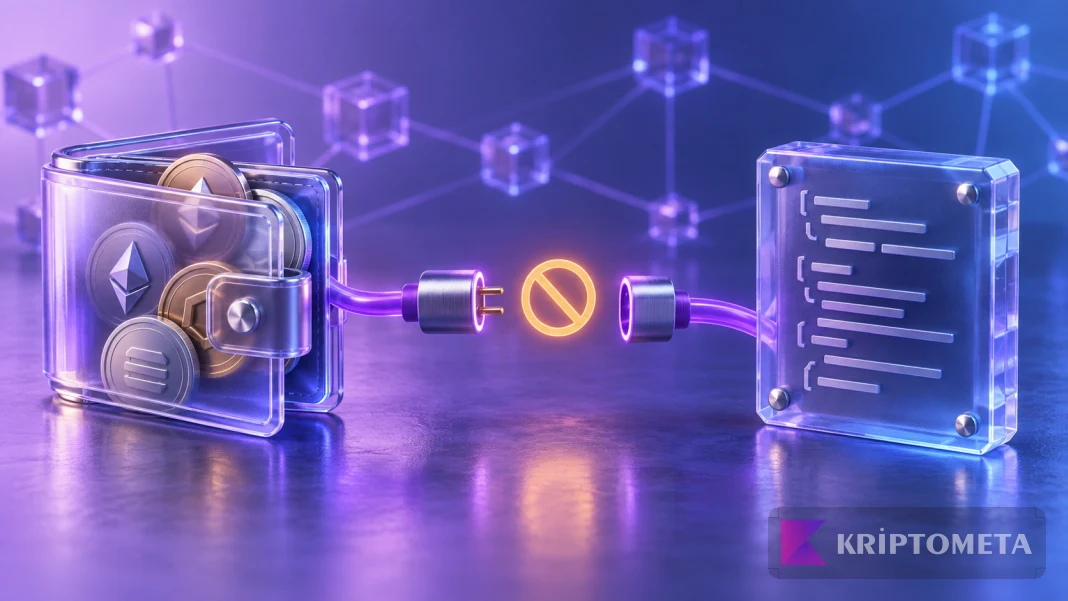






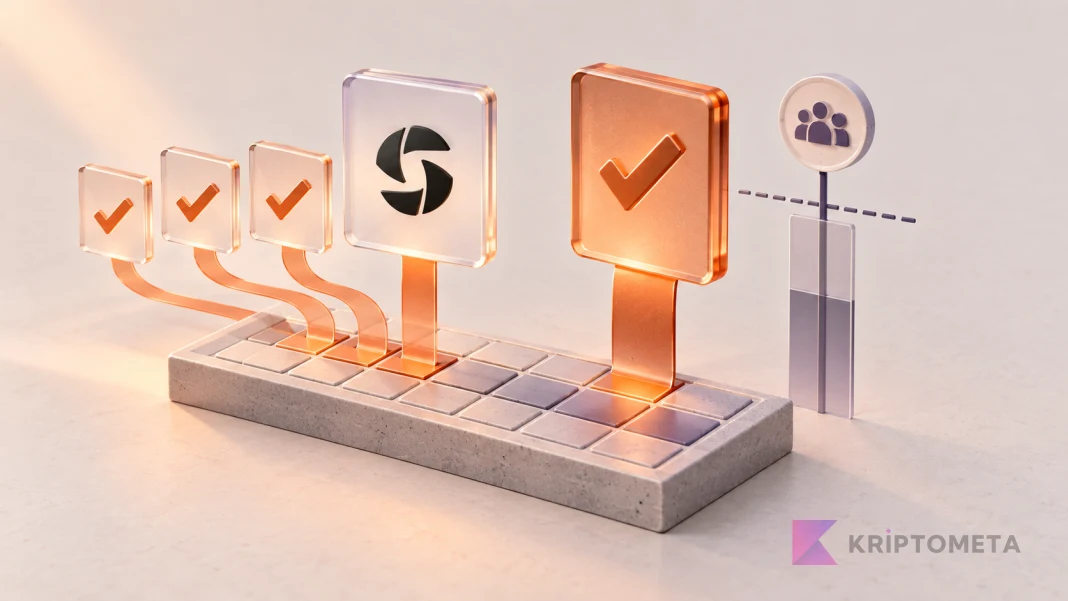
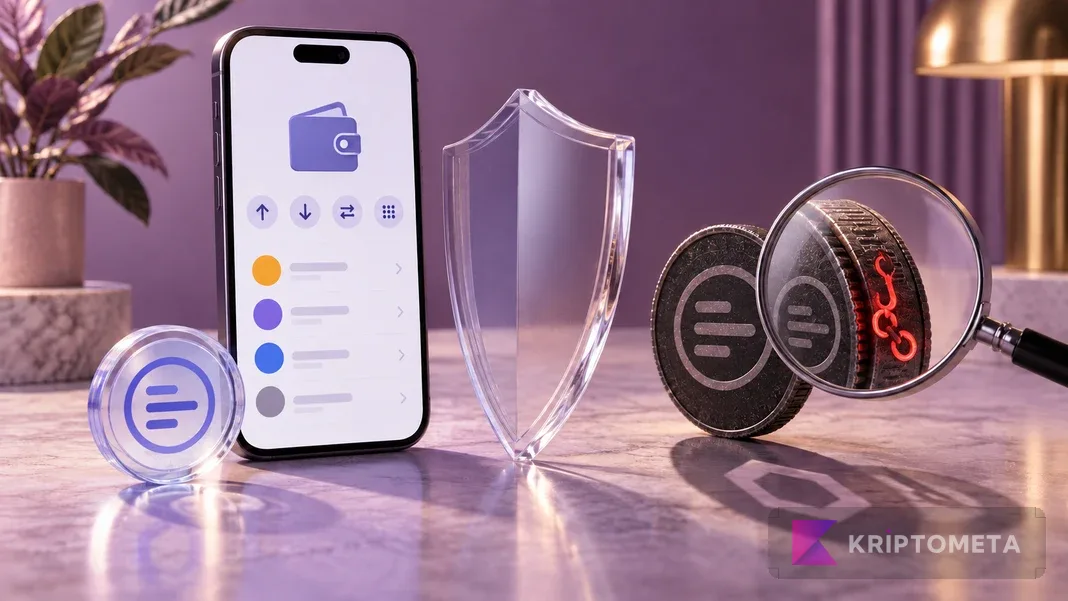

A fake token can copy the real name and logo. Verify the domain, network, full contract address and requested authority before interacting with an unfamiliar asset.
Spotting crypto phishing links and fake tokens requires more than checking a logo, price label or browser padlock. Compare what the page promises with what the wallet asks you to authorize. A page that says “view your reward” but requests spending permission is asking for a different action.
This guide provides a defensive checking sequence before funds are put at risk. We reviewed official wallet-security documentation on September 28, 2026. We did not connect to malicious sites or sign dangerous test requests. The domains and token scenarios below are illustrative, not destinations to visit or trades to try.
Separate connection, signatures and secret keys
Connecting a wallet generally shares an address with an application. Approving token spending, signing a message and disclosing a recovery phrase are different actions. None should be accepted as an automatically harmless continuation of a Connect button. MetaMask’s explanation of token approvals sets out the purpose of a spending authorization.
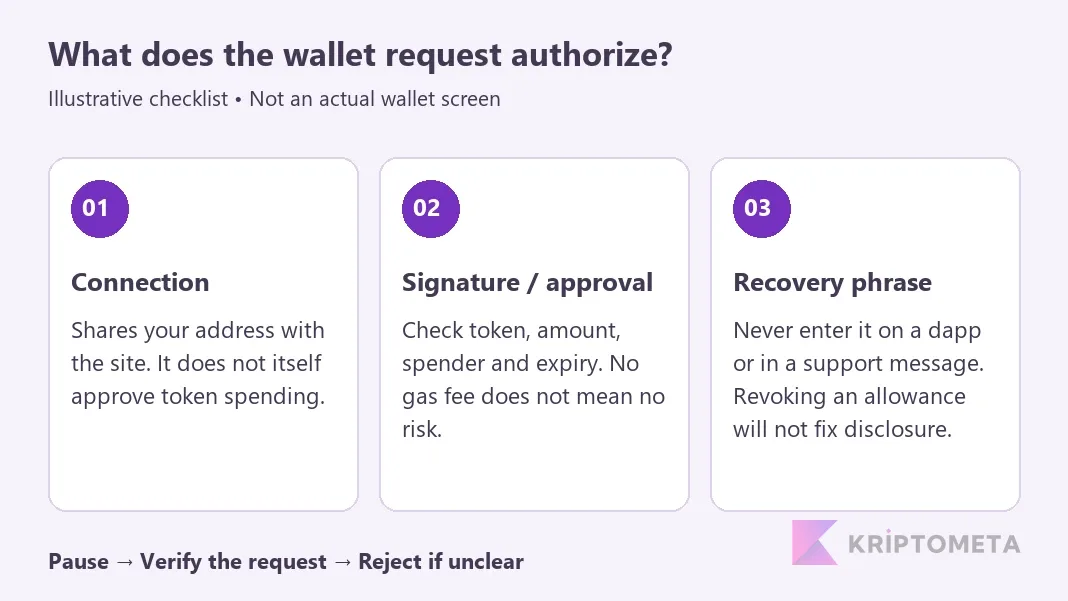
If a supposed sign-in asks for an unlimited amount, an unfamiliar spender or authority over an entire NFT collection, pause. Reject a request you cannot explain. Readable wallet summaries help, but missing detail should not be interpreted as proof that nothing consequential will happen.
1. Verify the domain independently
A sponsored search result, direct message or compromised social account can lead to an imitation site. Compare the address against a previously verified bookmark or a separate official channel. Several new profiles pointing to each other do not establish independent verification if they all originate from the same unknown source.
Suppose you expect wallet.example but arrive at wallet.example.reward.example. The familiar name on the left does not establish who controls the second domain. A copied brand and an HTTPS padlock do not prove affiliation. These .example names are reserved illustrations and are not real services.
Do not proceed through browser, wallet or security warnings. The absence of a warning is not certification either: a new malicious domain may reach victims before appearing on a blocklist.
2. Match the network and full contract address
Names, symbols and artwork can be copied across contracts. Match the network and entire contract address against the project’s independently verified official record. Checking the first and last four characters is insufficient. Native network assets do not always have token contracts; native ETH and an ERC-20 representation should not be treated as the same record.
MetaMask’s token-safety guidance cautions against interacting with unexpected assets. A wallet’s high dollar valuation does not prove the balance can be sold. Metadata and external price matching can mislead, while liquidity and transfer or selling restrictions require separate evaluation.
For example, an unsolicited token appears with a “$3,000 reward” label and directs you to another site. A demand for payment, approval or a recovery phrase to unlock it does not validate that balance. Instead of trying to sell, send or burn the token, use the wallet’s local hide or spam-marking function. Merely receiving it does not itself grant spending access to all your assets.
3. A gasless signature can still carry authority
Some permissions are signed off-chain and can be used later. In signature phishing, the damage may not appear when the signature is collected. No gas payment and no immediate balance change are not meaningful safety tests.
Where available, inspect the chain, token, spender, amount and expiry. A Permit or Permit 2 label is not by itself evidence of fraud; legitimate applications use those mechanisms too. The question is which party receives which authority, under which limits. Do not sign unreadable content simply because a page describes the action as free.
Our token-approval checking and revocation guide explains the permission-management workflow. Disconnecting a site is not the same as revoking an on-chain allowance, and removing ordinary visible approvals may not address every kind of signed authorization.
4. Do not copy a recipient from lookalike transaction history
Address poisoning exploits familiar-looking beginning and ending characters to place a misleading entry in a wallet’s history. MetaMask’s address-poisoning guidance explains how copying from that history can send funds to the wrong destination.
Obtain the recipient from a verified address-book entry or a trusted channel with the intended recipient. Compare the whole wallet address and the selected network. A small test transfer can help catch your own destination mistake; it does not make a malicious site or contract safe.
5. If you already interacted, identify the exposure
| Action taken | First assessment | Insufficient response |
|---|---|---|
| Only connected an address | Close and disconnect; establish whether any later signatures or transactions occurred | Assuming disconnection erases earlier approvals |
| Signed an approval or message | Identify affected assets and authority; use verified official tools to determine revocation or protection options | Waiting because nothing has moved yet |
| Disclosed the recovery phrase | Treat the phrase as compromised; plan a fresh phrase and safe migration from a clean environment | Changing the app password or adding another account under the old phrase |
MetaMask’s sweeper-bot warning explains why assets sent to a compromised wallet to pay gas can also disappear quickly. Do not repeatedly fund it without understanding the situation. The clean-device and fresh-key distinctions in our recovery-phrase backup guide matter if the phrase has leaked; another account derived from that phrase is not a clean escape route.
Preserve transaction IDs, addresses and relevant screenshots, but never post private keys in a support channel. Do not pay or disclose secrets to a “recovery expert” who contacts you privately. Recovery is not guaranteed; use verified official support to assess the specific exposure.
A repeatable check before signing
You should be able to explain three things in your own words: which site you reached, what authority you are granting and what outcome you expect. If the request does not match, stop. Our MetaMask review shows the context of permission and network controls; other wallets may name or position those controls differently.
No single indicator is a perfect filter. A verified domain, matching contract and understood action form a stronger check together. Reducing interaction with an unsolicited token is more defensible than testing it through a transaction, just as independent verification is more useful than overriding a warning.